New Year, New Phone Backup Routine with G Cloud Backup
January is the season of fresh starts—and not just for fitness goals or planners. It’s also the perfect time to rethink how we protect our digital lives. From photos and videos to messages and contacts, our smartphones carry years of memories and essential information. Building a reliable phone backup routine at the start of 2026 can be one of the smartest digital habits you adopt.
This guide explores how G Cloud Backup helps turn cluttered phones into well-organized, safeguarded devices through automation, digital minimalism, and long-term data continuity.
Why a Structured Phone Backup Routine Matters in 2026
Data loss remains a common issue worldwide, often caused by device damage, loss, or accidental deletion. Establishing a dependable phone backup routine at the beginning of the year helps users:
📌Safeguard irreplaceable personal data
📌Ensure smooth device upgrades and transitions
📌Reduce storage-related performance issues
📌Maintain long-term access to digital content
Cloud backup plays a central role in achieving these goals efficiently.
How G Cloud Backup Simplifies Phone Backup
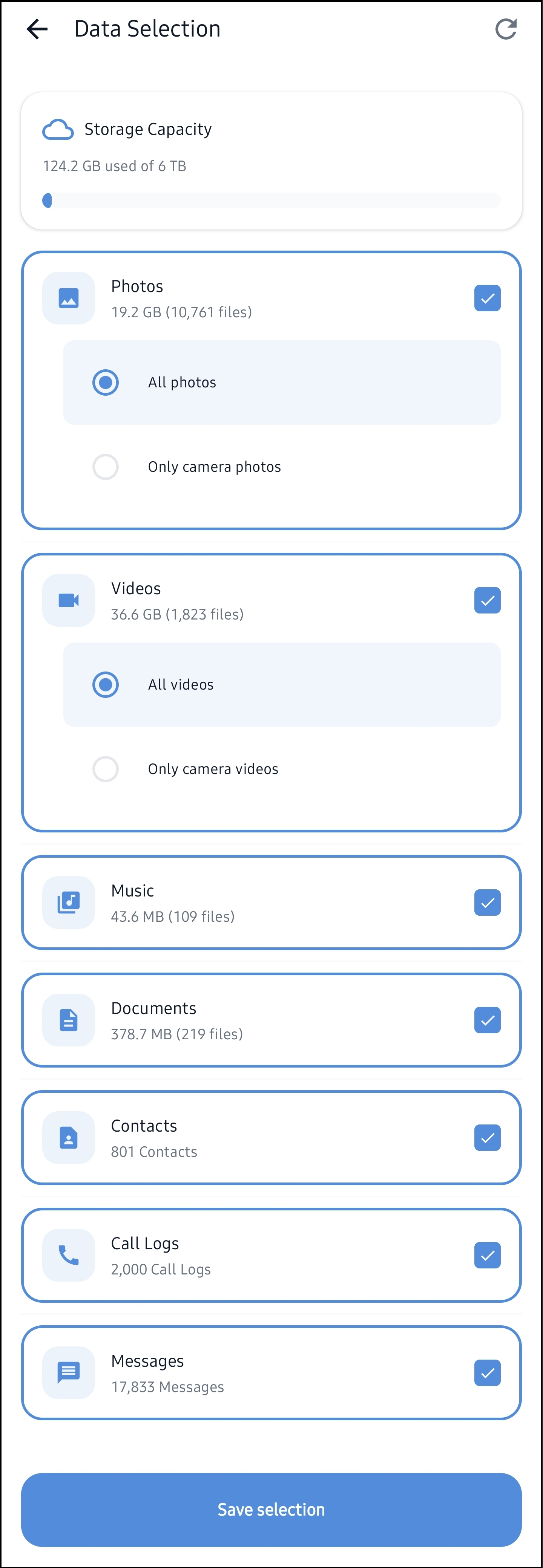
G Cloud Backup automates the backup of essential data, including photos, videos, contacts, messages, music, and documents. Users can configure backups quickly and monitor exactly what has been protected.
Key capabilities include:
✅ Automatic and scheduled backups
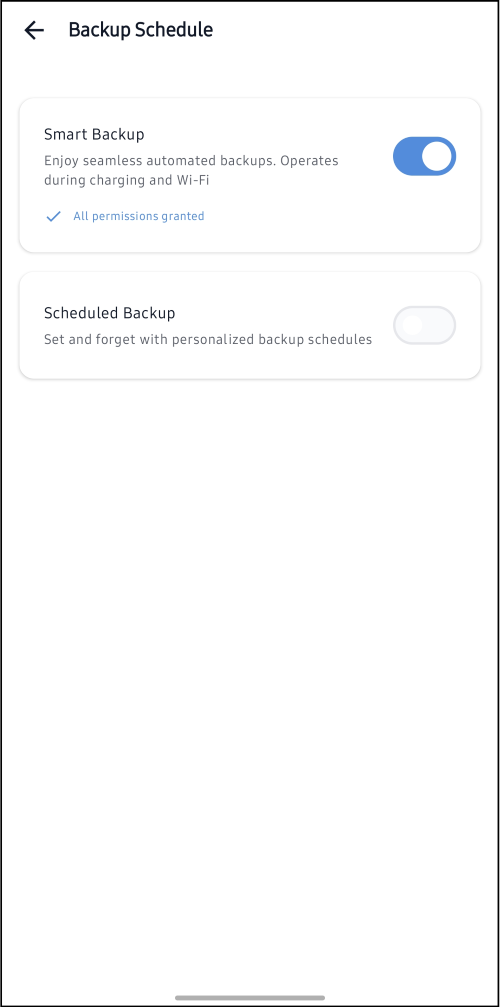
✅ Selective backup configuration
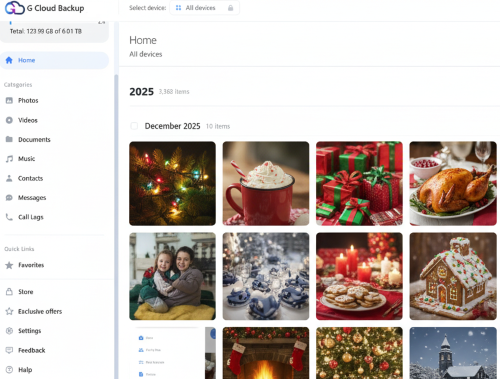
✅ Clear visibility into backed-up files
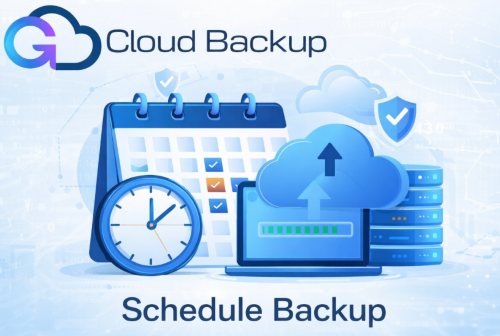
Automation for Consistent Data Protection
One of the most effective ways to maintain reliable phone backup habits is automation. G Cloud Backup allows users to customize backup schedules that run in the background, minimizing manual effort and reducing the risk of missed backups. This ensures data protection remains consistent throughout the year. (Learn more)
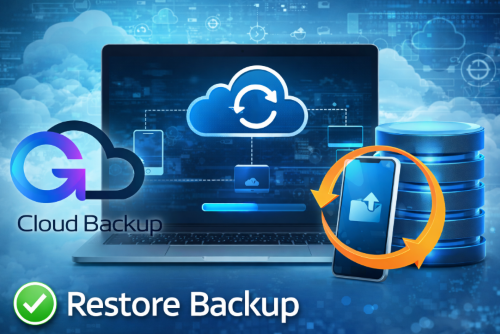
Long-Term Data Continuity Through Cloud Backup
A structured cloud backup strategy ensures continuity across devices and platforms. Whether upgrading to a new phone or recovering from unexpected data loss, users can restore their data easily. (Learn more)
Security and Reliability
Data security is a core component of effective phone backup. G Cloud Backup uses secure cloud infrastructure and encrypted processes to protect user data.
Start the Year with Smarter Backup Habits
Adopting a consistent phone backup routine at the start of 2026 is a practical step toward long-term digital safety. With automation, flexibility, and secure cloud storage, G Cloud Backup supports users in protecting what matters most.
👉 Download the G Cloud Backup app now!
FAQ
❓What data can G Cloud Backup protect?
Photos, videos, contacts, messages, music, and documents.
❓Can backups run automatically?
Yes, users can set customized schedules for automatic backups.
❓Is G Cloud Backup available on Android and iOS?
Yes, it supports both platforms.
❓How secure is cloud-based phone backup?
Data is encrypted and stored in secure cloud environments.
Conclusion
Starting 2026 with a reliable phone backup routine is a smart step toward long-term data protection. By automating backups and maintaining clear visibility into stored data, G Cloud Backup helps keep your digital life secure, organized, and always accessible.
Adopting consistent backup habits today ensures your data stays protected tomorrow—no matter what happens to your device.
👉 Download the G Cloud Backup app now!
