G Cloud Backup Security Backup Guide – Protect Your Mobile Data from Spring Malware

Spring often brings increased mobile activity as users download new apps, connect to different networks, and manage more digital content on their devices. While smartphones make it easy to store photos, contacts, messages, and documents, losing this information can be extremely disruptive.
Maintaining a reliable security backup ensures that your data remains safe and recoverable if something unexpected happens to your device. G Cloud Backup provides secure cloud storage and automated backups designed to protect mobile data and simplify recovery whenever needed.
🔐 Why Mobile Data Protection Matters
Modern smartphones store large amounts of important information such as photos, videos, contacts, and personal files. Without a proper backup solution, device issues, accidental deletion, or software problems may result in permanent data loss.
A dependable security backup ensures that your files are safely stored in the cloud and can be restored whenever necessary. (Learn more)

☁️ Key Features of G Cloud Backup
G Cloud Backup offers powerful features designed to keep mobile data secure and accessible.
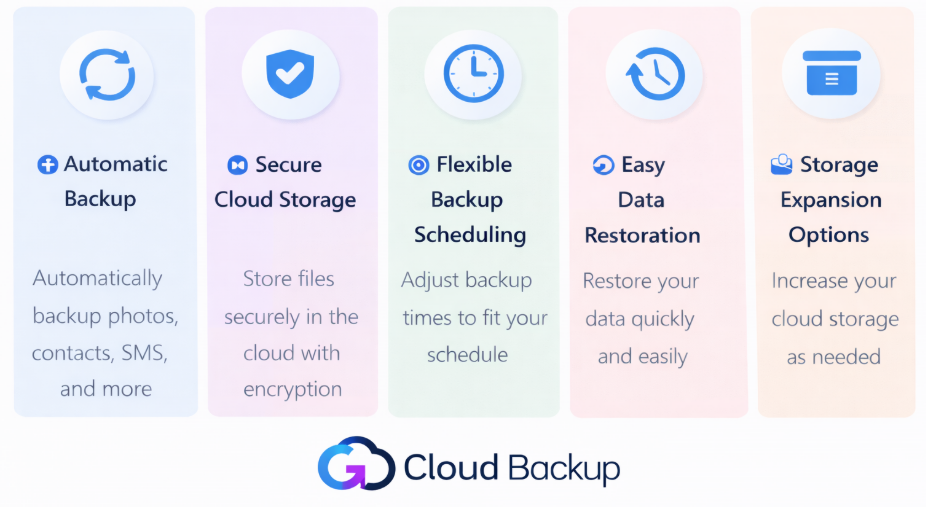
⚙️ Automatic Backup
G Cloud automatically backs up selected files from your device, ensuring that your data is continuously protected without manual effort. (Learn more)
🛡️ Secure Cloud Storage
Your files are stored in secure cloud storage, helping protect important data while keeping it accessible even if the device is lost or replaced. (Learn more)
⏱️ Flexible Backup Scheduling
Users can configure their backup schedule according to their needs, allowing backups to run automatically at preferred times. (Learn more)
🔄 Easy Data Restoration
If files are lost or a device is replaced, users can quickly restore their backed-up data directly from their G Cloud account. (Learn more)
📦 Storage Expansion Options
Users can increase their storage capacity or earn additional space through available options within the platform. (Learn more)
📱 How G Cloud Backup Helps Keep Your Data Safe
By storing files in secure cloud storage, G Cloud Backup ensures that your important data remains protected and accessible. Whether you upgrade your device, reset your phone, or simply need to retrieve an older file, your data can be restored easily from your backup.
A reliable security backup also helps keep personal memories and important files organized and available whenever you need them. (Learn more)

✅ Simple Tips to Maintain Your Security Backup
To keep your mobile data protected:
✔ Enable automatic backups in G Cloud Backup
✔ Regularly check that your files are being backed up
✔ Adjust your backup schedule based on your needs
✔ Review your storage to ensure enough space is available
These simple steps help maintain a reliable security backup for your mobile device.
🚀 Start Protecting Your Mobile Data
Protecting your digital files starts with a dependable backup solution. G Cloud Backup provides secure cloud storage, automatic backups, and simple data restoration to keep your mobile data safe.
With G Cloud Backup, your photos, contacts, messages, and files remain protected and accessible whenever you need them. (Learn more)
❓ FAQ
What is a security backup?
A security backup is a protected copy of your files stored in secure cloud storage so they can be restored if data is lost.
What types of data can G Cloud Backup store?
G Cloud Backup can store photos, videos, contacts, messages, documents, and other personal files. (Learn more)
Can I restore my files to a new device?
Yes. By logging into your G Cloud account, you can restore backed-up files to your device whenever needed. (Learn more)
Can I change my backup schedule?
Yes. G Cloud Backup allows users to configure backup schedules according to their preferences. (Learn more)
