BigMind Cloud Backup Version 2.0 Is Live – The Future of Intelligent Data Protection
Today, protecting digital data is essential as files can be lost due to hardware failures, accidental deletion, cyberattacks, or unexpected disasters.
Cloud backup stores secure copies in remote infrastructure, ensuring data remains safe, accessible, and recoverable when needed.
BigMind Cloud Backup 2.0 provides a modern platform that combines automated backup, intelligent data discovery, centralized management, and strong security to help users protect and manage their data efficiently.

A Powerful Dashboard for Easy Cloud Backup Management
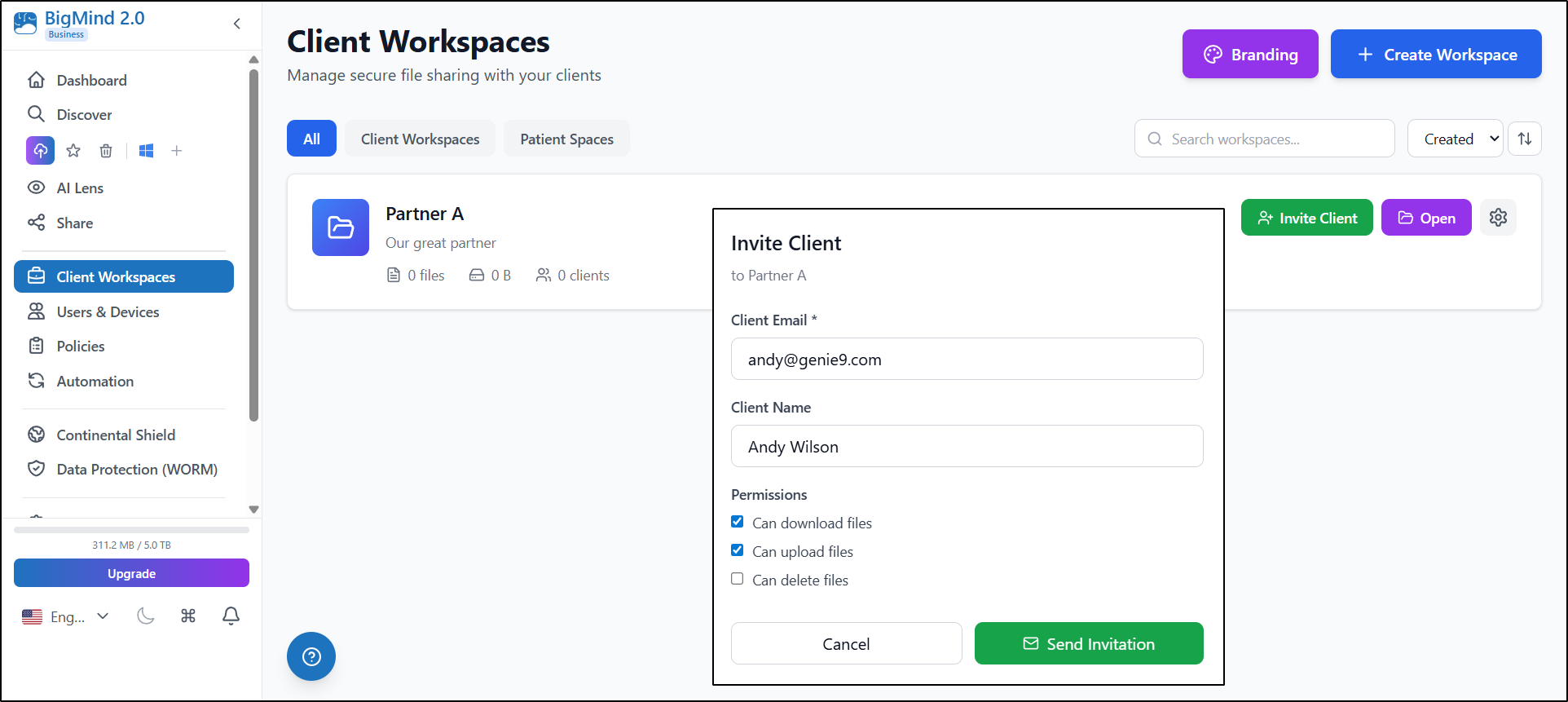
Managing large amounts of data becomes easier with the BigMind Dashboard, which provides users with a centralized overview of their backup environment.
From one interface, users can monitor:
🔹Backup activity
🔹Connected devices
🔹Storage usage
🔹System alerts
Intelligent Data Discovery
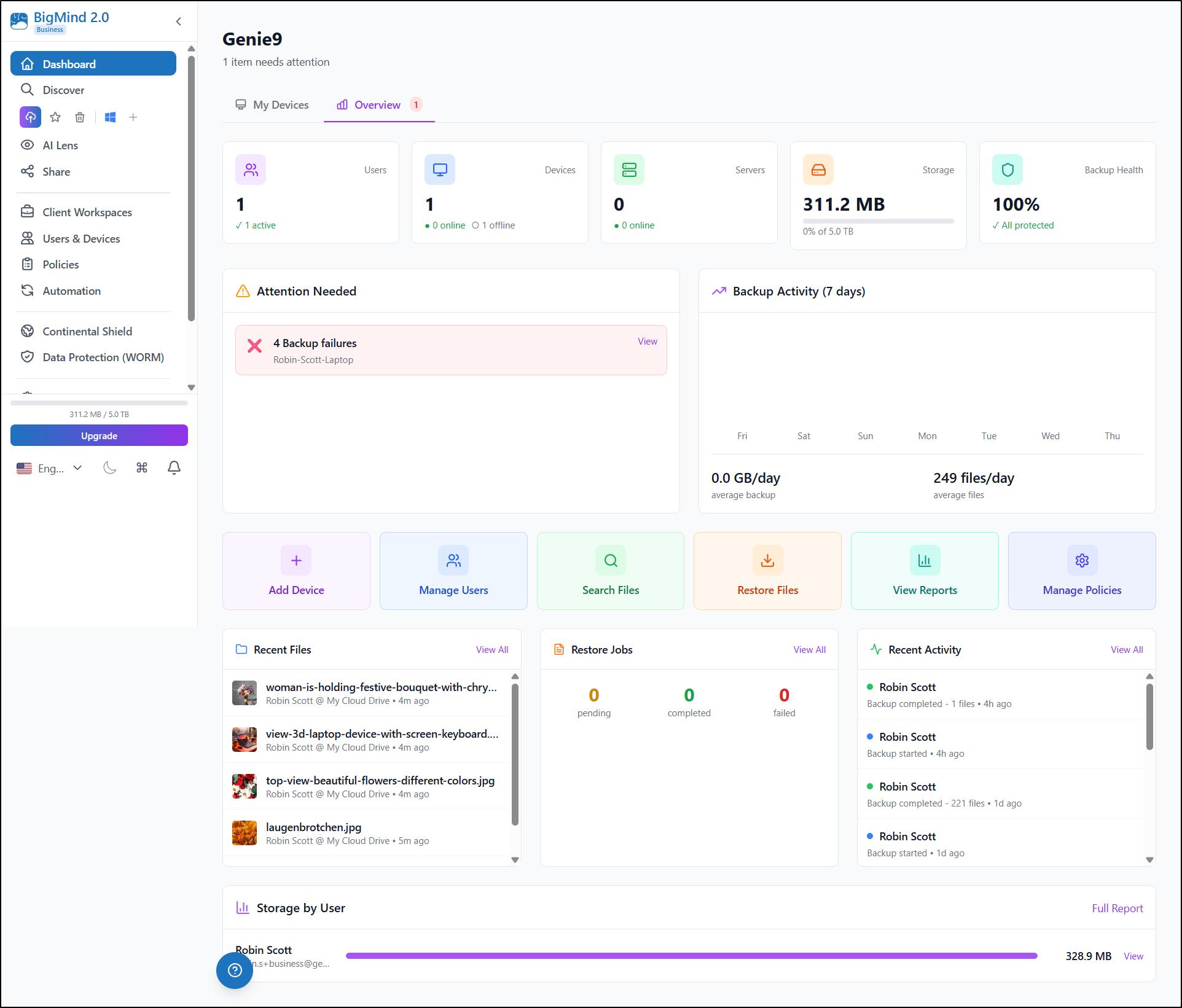
BigMind solves this problem with its Discover feature, which transforms backup archives into a searchable data environment.
Users can:
🔸Search files across backups
🔸Locate documents and images quickly
🔸Access archived information easily
🔸Organize large collections of files
Workspaces for Organized Collaboration
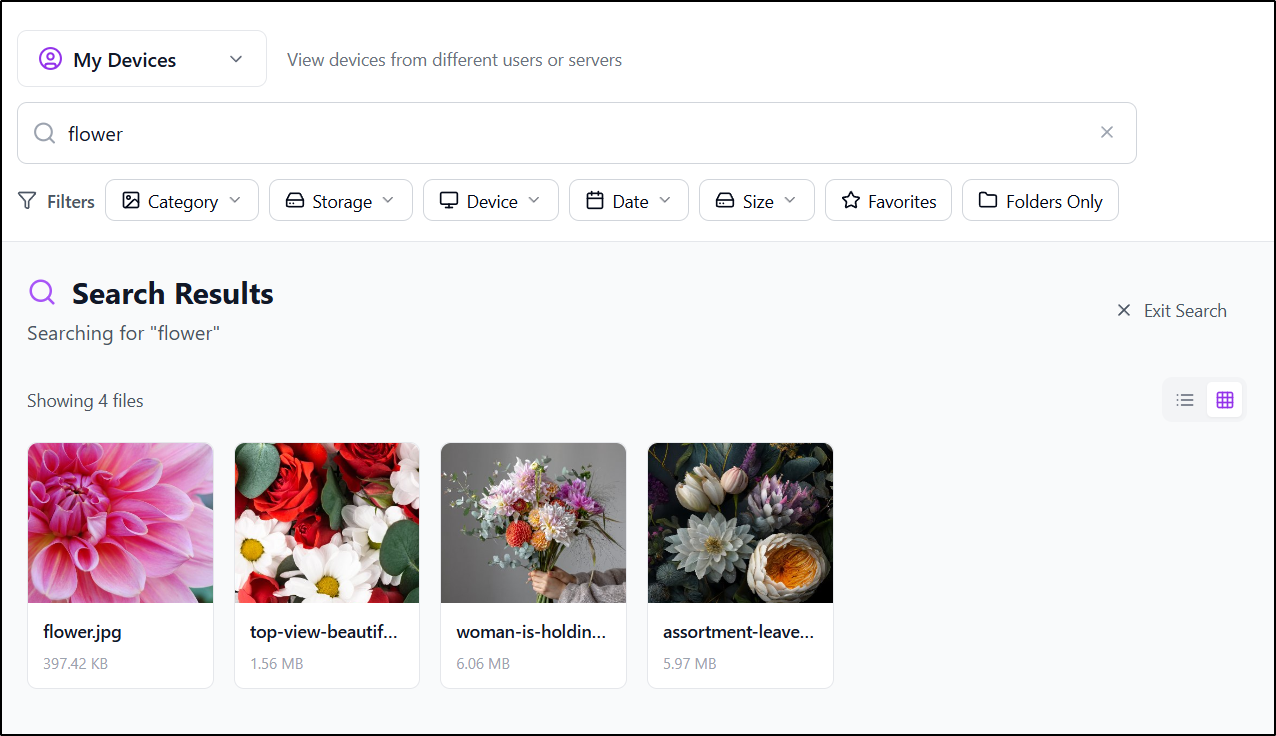
For users managing multiple projects or teams, Client Workspaces provide an organized environment where files can be managed separately and securely.
Workspaces allow users to:
🔹Separate projects or departments
🔹Manage file access permissions
🔹Collaborate securely
🔹Maintain organized data structures
Managing Users and Devices from One Place
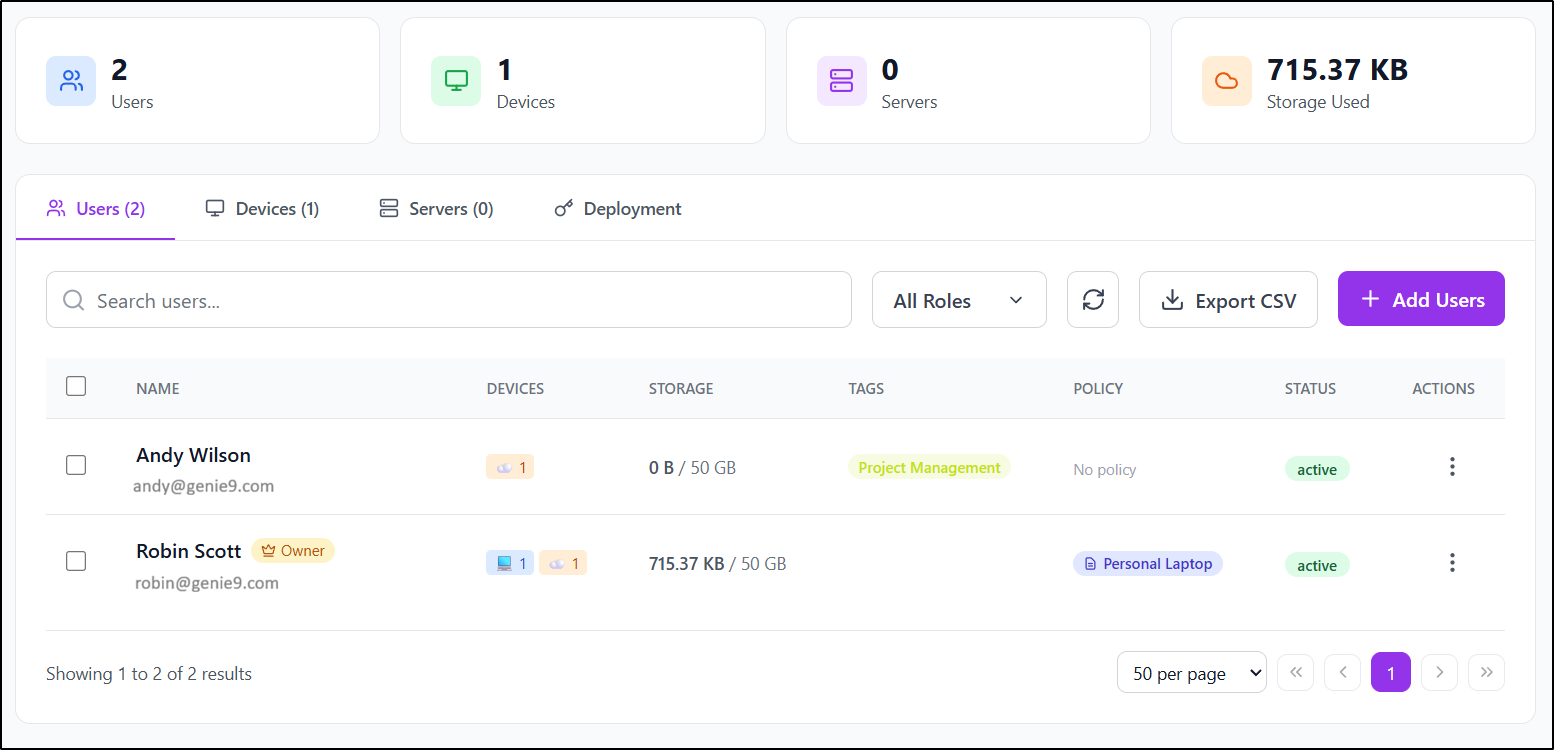
BigMind allows administrators to control users and devices from one centralized console, ensuring that every device connected to the organization is properly protected.
Administrators and users can:
🔸Monitor connected devices
🔸Control user access
🔸Track backup activity
🔸Manage backup settings
Smart Policies and Automation
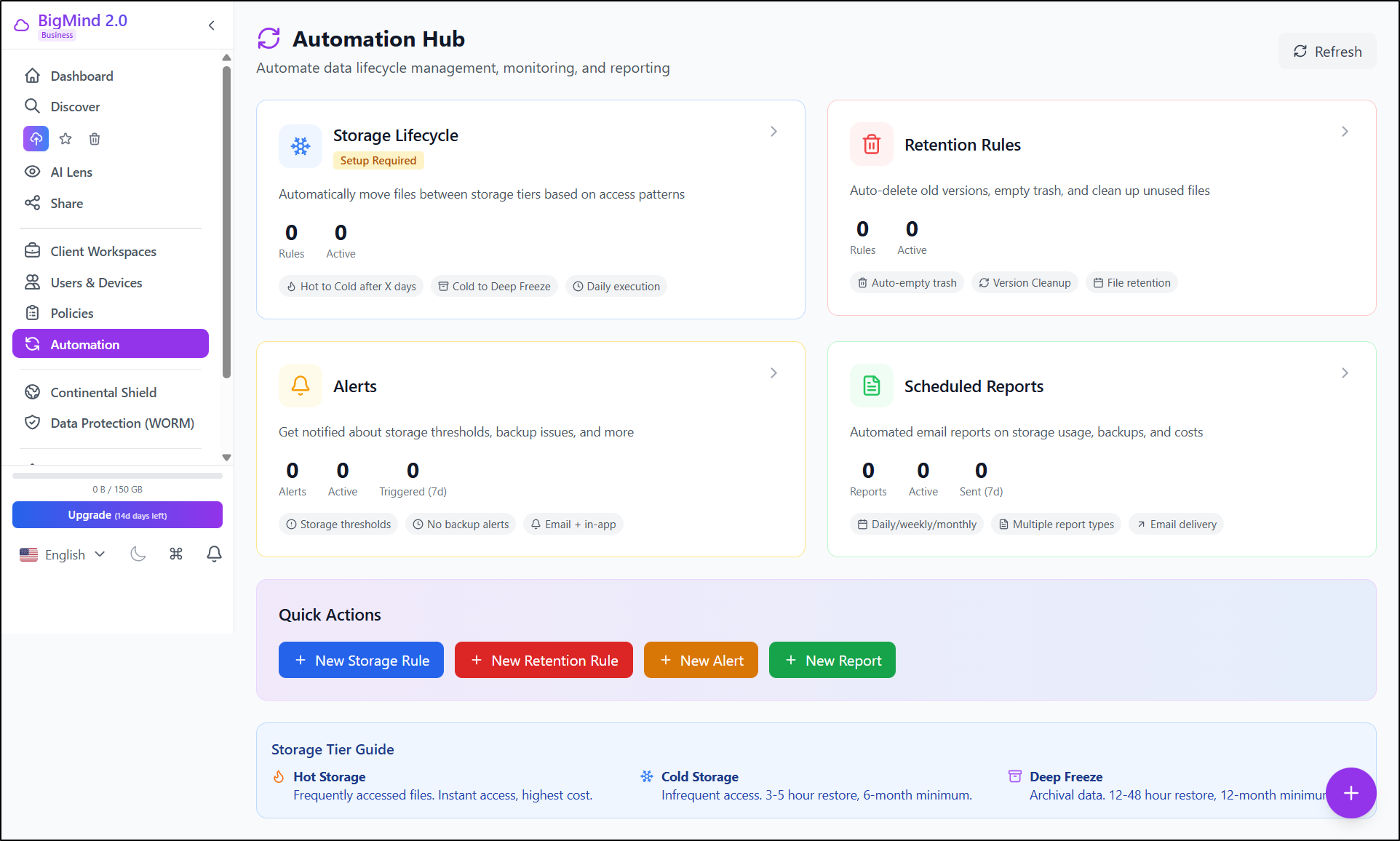
BigMind simplifies this through policy-based management and automation tools.
Users can configure policies to control:
🔹Backup schedules
🔹Data retention periods
🔹Storage lifecycle rules
🔹Backup security settings
Secure File Sharing with Full Control
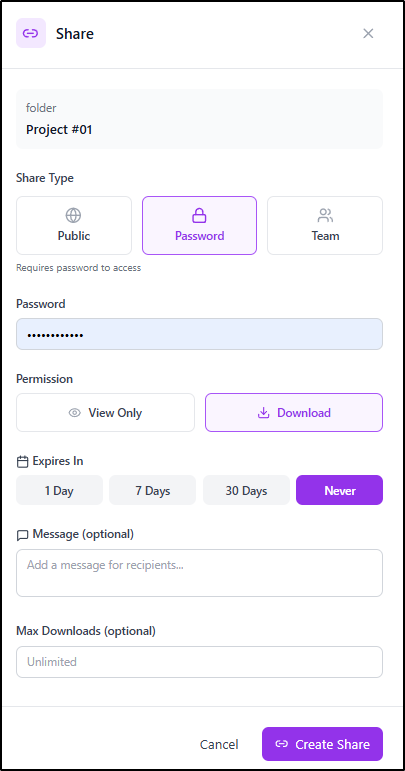
BigMind allows users to share files securely with colleagues, clients, or friends while maintaining full control over access.
Users can:
🔸Generate secure sharing links
🔸Set permissions and expiration dates
🔸Control who can access files
🔸Monitor sharing activity
Smart Storage Tiering for Efficient Cloud Backup Storage
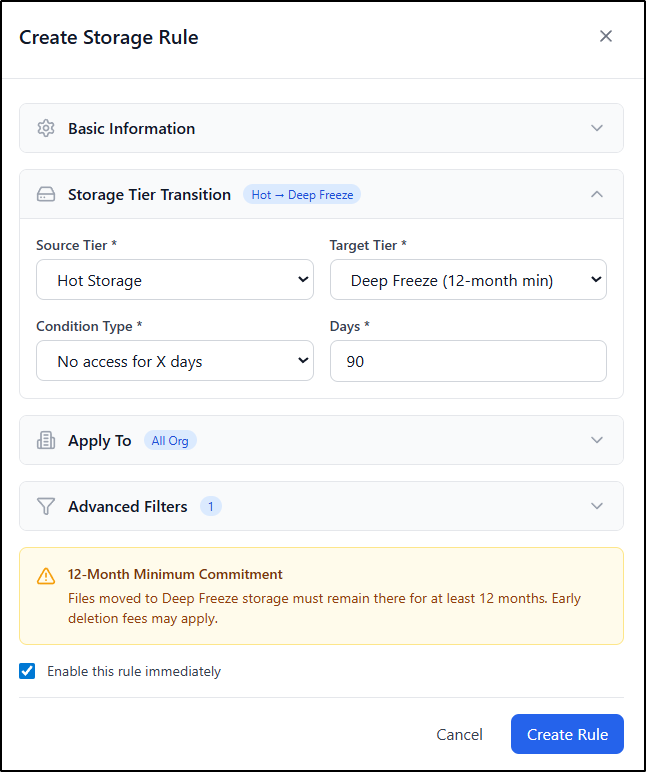
As data volumes grow, BigMind uses intelligent storage tiering to automatically move data between storage layers based on access frequency, ensuring:
🔸 Frequently accessed data remains instantly available
🔸 Long-term archival data is stored more efficiently
🔸 Storage costs remain optimized
Reporting and Backup Monitoring
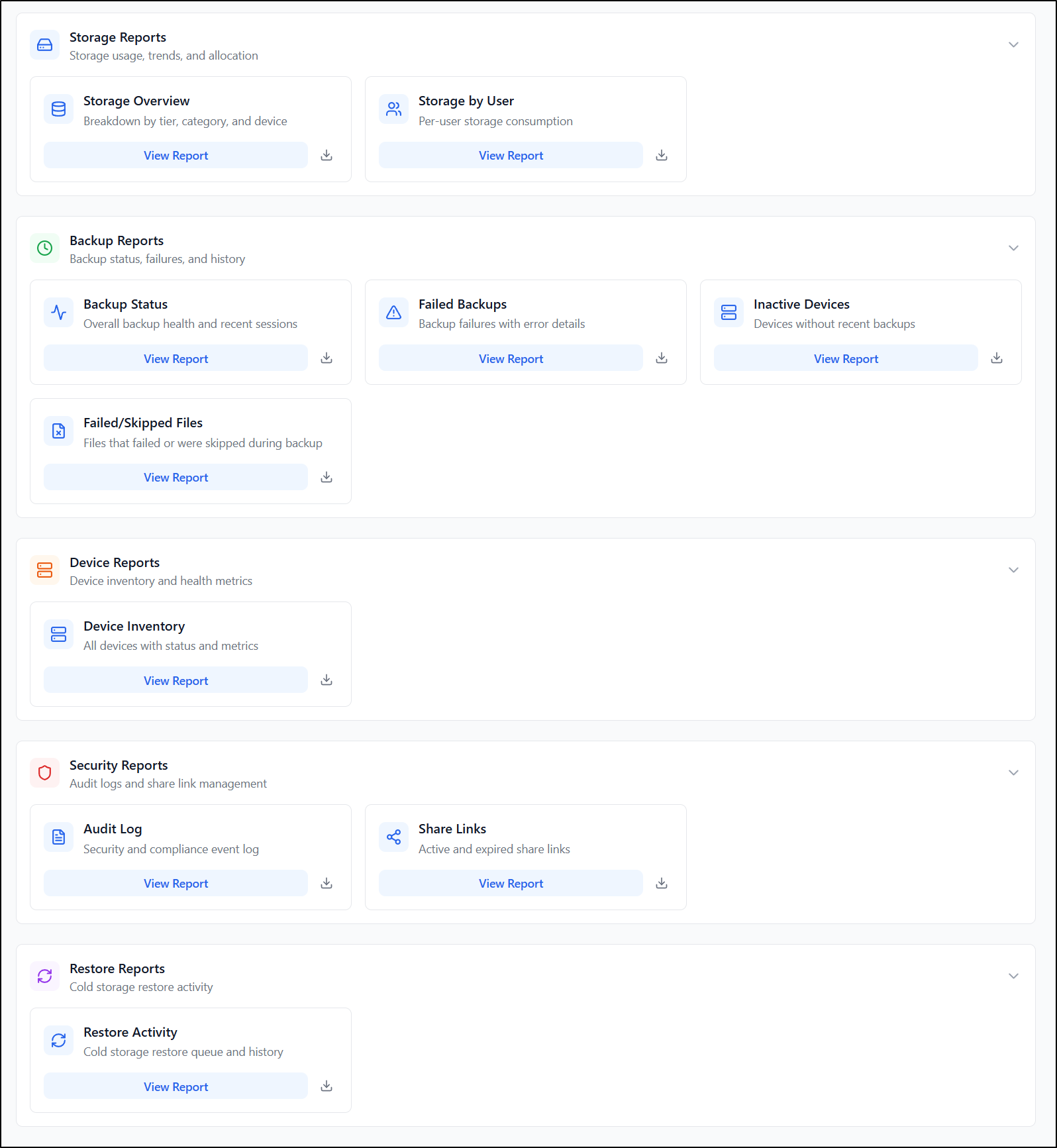
BigMind includes reporting tools that provide insights into backup operations and storage usage.
These reports help users:
🔹Monitor backup performance
🔹Track storage usage
🔹Identify potential issues
🔹Maintain organized data environments
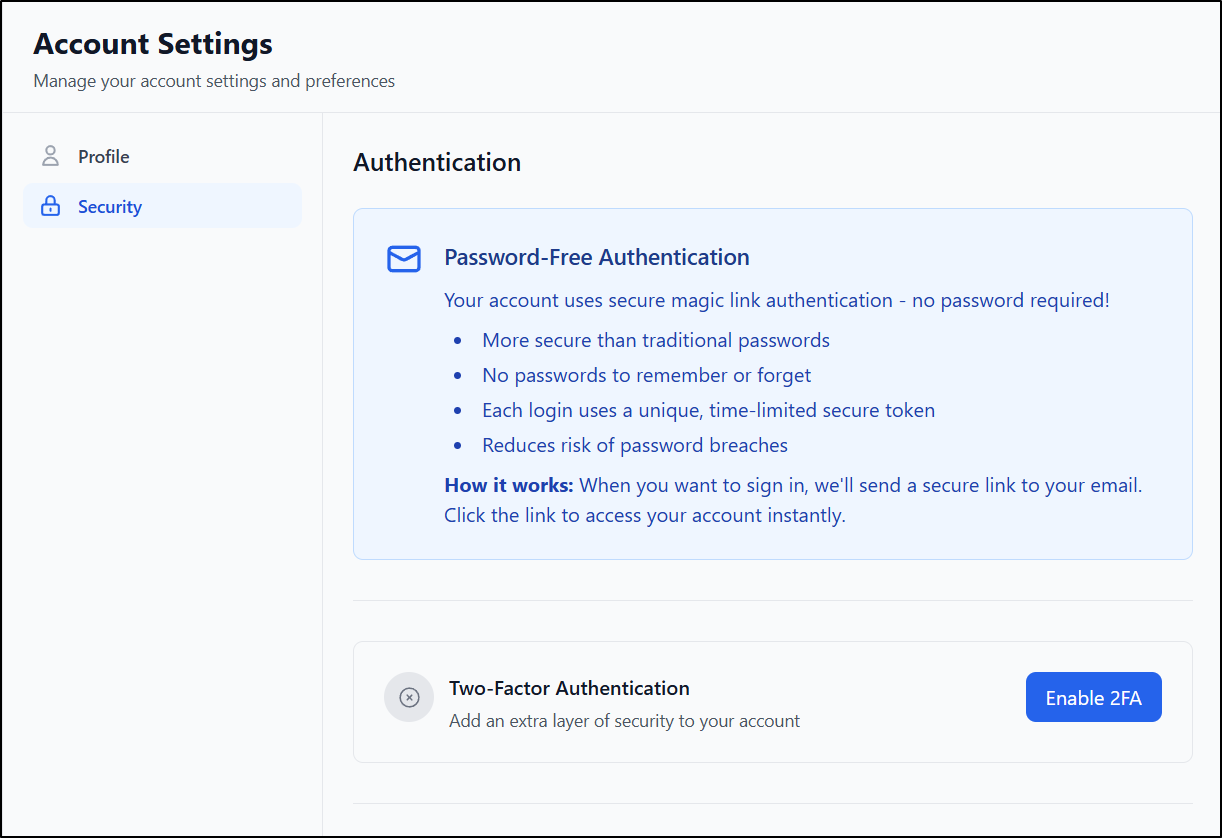
Enterprise-Grade Security for Your Data
Reliable Global Data Protection with Continental Shield
BigMind includes Continental Shield, a technology designed to enhance data resilience by strengthening the global data protection architecture.
This capability improves reliability by enhancing redundancy and resilience across multiple infrastructure layers, helping ensure that backed-up data remains available even in the event of regional failures.
Who Benefits from BigMind Cloud Backup?
BigMind Cloud Backup 2.0 supports a wide range of users, from individuals protecting personal files and memories to small businesses securing company data with centralized backup management. It also enables enterprises to manage large-scale data protection across users and devices, while managed service providers can deliver reliable cloud backup services to their clients.
❓FAQ
What is cloud backup?
Cloud backup stores encrypted copies of data on remote servers to allow recovery if data is lost.
How does cloud backup protect data?
Files are automatically backed up to secure off-site infrastructure using encryption and access controls.
Can BigMind reduce storage costs?
Yes. Storage tiering moves less-used data to more efficient storage tiers. (Learn more)
